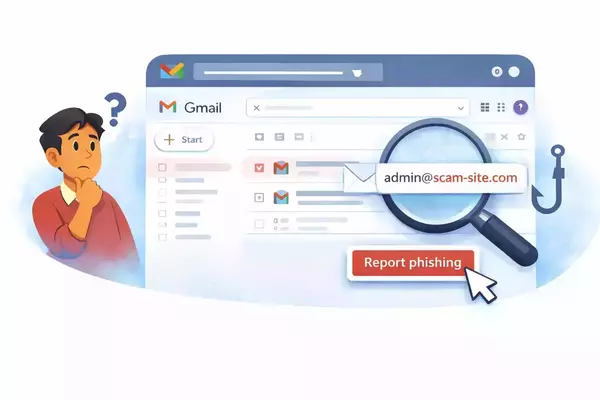
Phishing is one of the most common ways attackers steal passwords, money, and personal information. These messages are designed to look real and often try to rush or worry the reader into acting quickly. Even with modern email filters, phishing still gets through, and about one in ten phishing messages succeeds. This is why individual phishing awareness matters just as much as technology.
Here are some simple steps you can take for a safer inbox.
Pause Before You Click
Phishing emails often create urgency by claiming there is a problem with your account, a missed delivery, or a deadline you must meet. Slow down and take a moment to think. Ask yourself whether the message really makes sense. That short pause can prevent a serious mistake.
Check the Sender, Not Just the Name
Scammers can make an email look like it comes from a trusted person or organization, including the University of Notre Dame, by copying a familiar name or email domain. Always take a closer look at the actual email address to see if it truly matches who it claims to be from.
Hover Over Links Before Clicking
Before clicking any link, hover your mouse over it or press and hold on a mobile device to preview where it leads. If the web address looks strange or does not match the sender’s company, do not click it, even if the message looks official.
When in Doubt, Report It
If something feels off, report the email to the Information Security Team. Click the three dots in the top right corner of the email and then the fishing hook in the dropdown that appears, or forward the message to phishing@nd.edu. If you are unsure, it is always better to report. Reporting helps protect others and improves detection of future phishing attempts.
For a more detailed explanation of how to report a spam or phishing message please see: How to report a spam or Phishing email?.
Security is a shared responsibility. By making these simple steps part of your daily routine, you help reduce the risk of phishing for everyone. Slowing down, checking details, and reporting suspicious messages protects not only your own information but also your coworkers and the wider campus community.
Not sure about an email? The 10 Step Phishing Checklist walks you through what to look for and when to report.